How it works
Change made simple.
Whether you're paying or collecting your balance, ChangeApp gives customers and merchants a digital way to handle everyday change.
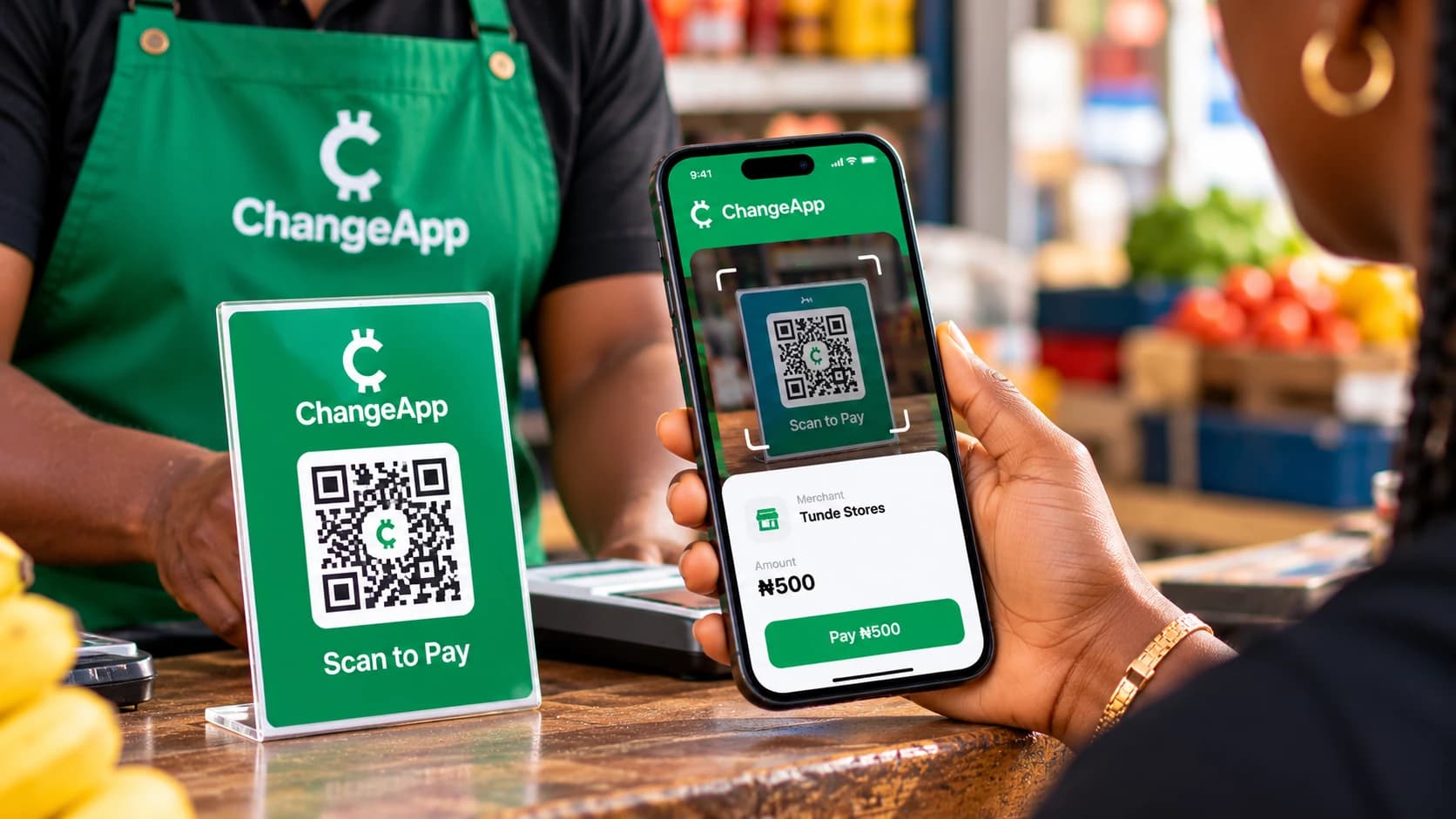
- Step 01
Open ChangeApp and scan the participating merchant's QR code.
- Step 02
Enter or confirm the amount you want to pay, following the app's instructions.
- Step 03
Enter your security PIN to authorise the payment.
- Step 04
Check the transaction result and get on with your day.
- Step 01
Open ChangeApp and scan the participating merchant's QR code.
- Step 02
Follow the prompts to request the amount of change you are owed.
- Step 03
The merchant reviews and authenticates the change transaction using their security code.
- Step 04
Once successfully authorised, the change is deducted from the merchant's account and credited to your ChangeApp wallet.
Collect Today. Build for Tomorrow.
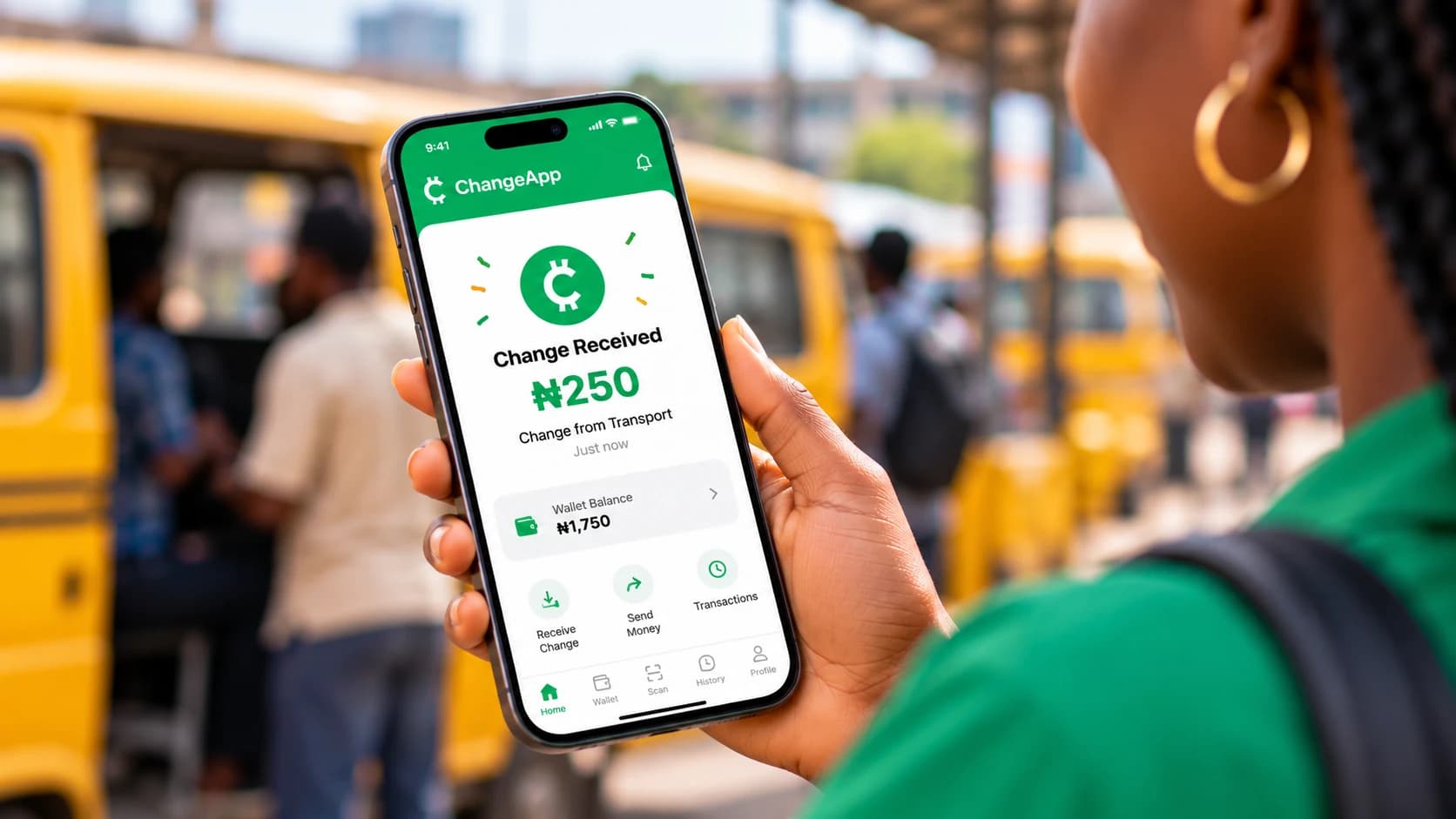
Every time you collect change digitally, the amount is credited directly to your ChangeApp wallet.
Your small change can accumulate over time, helping you build a balance that you can use whenever you need it.
Put Your Change to Work.
Your ChangeApp wallet balance isn't just for keeping money. You can use your available balance to pay participating ChangeApp merchants or request a withdrawal to your preferred bank account.
Payments between ChangeApp wallets are free. Withdrawal requests are usually processed within 24 hours.
Add Money to Your ChangeApp Wallet.
Customers and merchants can add funds to their ChangeApp wallets using direct bank transfer, USSD, or supported debit and credit cards.
Choose your preferred funding method and follow the instructions provided through ChangeApp.
Never share your PIN or security code with anyone. Always check the transaction details before authorising.